
Sarah Murad
Through the simple use of Mixed Reality glasses and a phone, anyone can connect with each other from all over the world and experience the weather together, from the comfort of their own home.
In 2021, many people are stuck inside their houses and are thus limited in the ways that they can spend time together. There may be a few options, like texting, video calling, streaming a show or playing a video game, but none of these options make you truly feel like you’re truly in the same room as one another. This extends to a bigger problem: that it’s very difficult to experience going outside the four walls of your home, when you’re stuck at home. Many people want to travel, meet new people or even feel like they’re in their home country again because they’re homesick. The reality is a lot of us don’t have the resources or opportunity to do so.
To bring people together using a Mixed Reality simulation of the weather from any area of the globe, allowing people a new way to connect that immerses you in the outdoors.
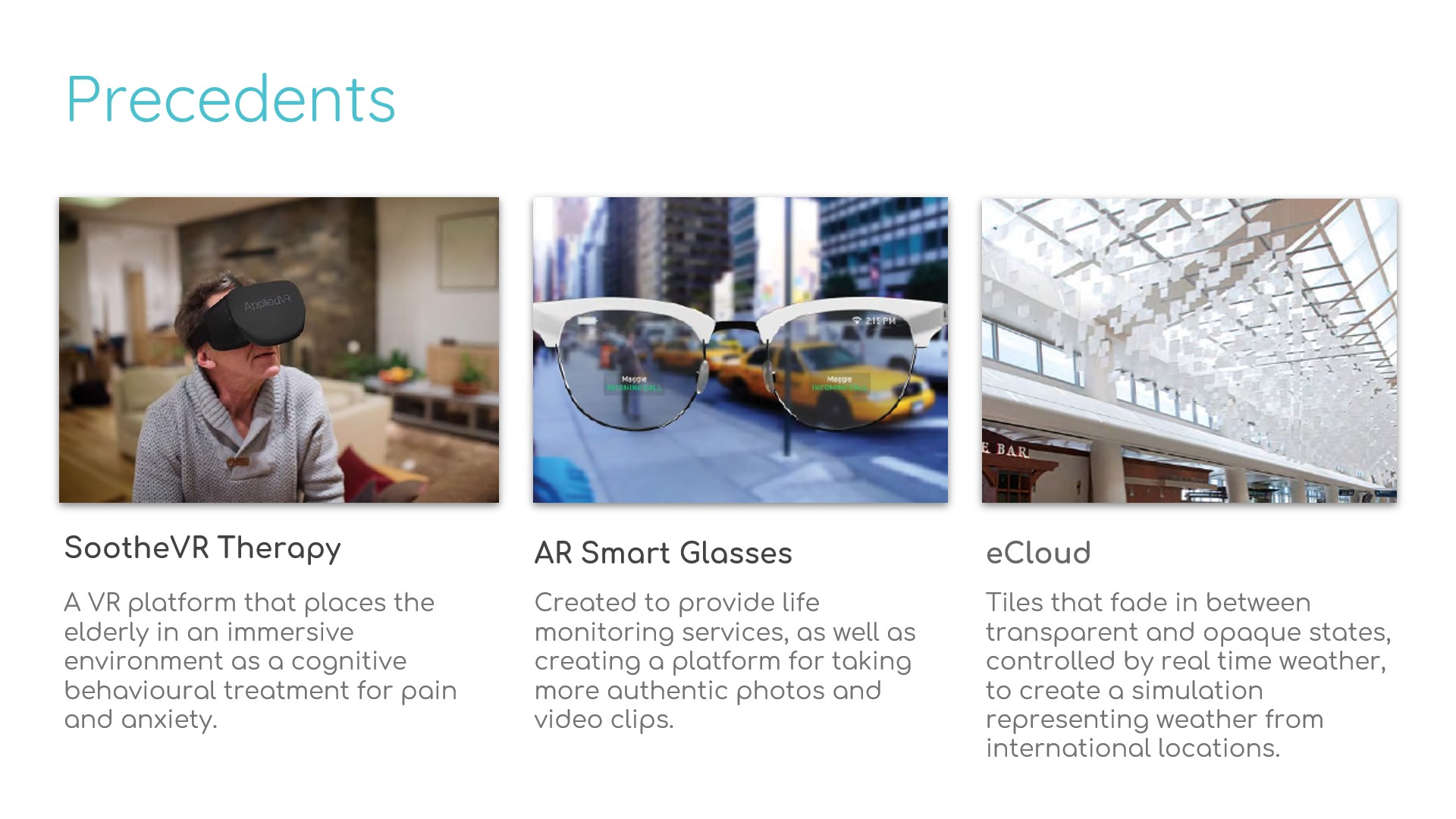
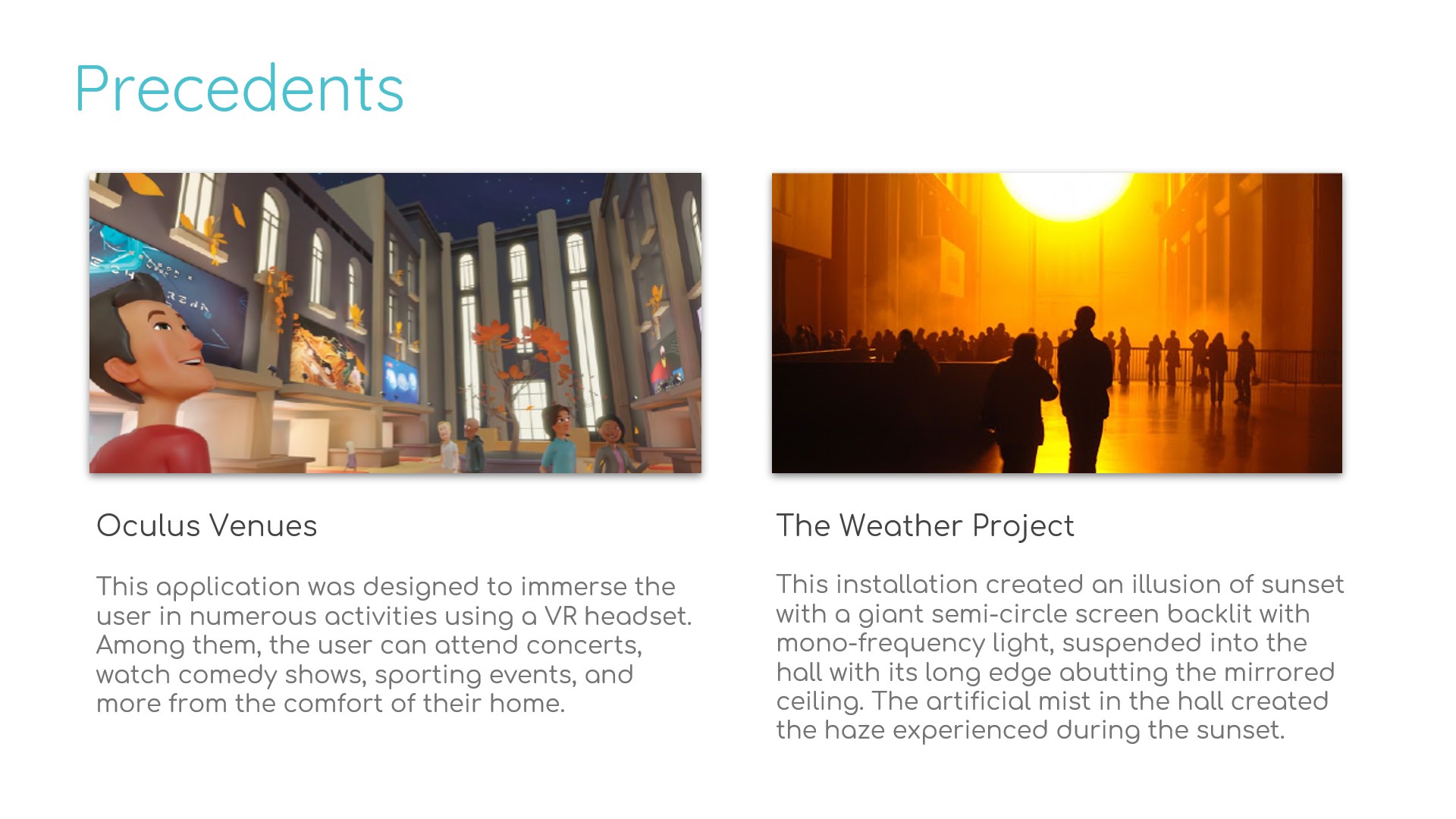
These precedents are all centered around the idea of immersivity, whether it's through the means of Virtual Reality, Augmented Reality, or an Interactive display. Each medium has it's own advantages and disadvantages. Precedent 1 and 4 exemplifies the full immersivity that comes with VR, which allows for particular uses such as being a therapeutic device or allowing people to traverse virtual venues. Precedent 2 showcases AR glasses, which has the benefit of displaying digital media over the world around us. Precedent 3 and 5 are both interactive displays, and use physics and physical materials to construct an experience that you can feel and experience with all of your senses. These precedents also have themes of weather simulation, wearable tech, therapy, and socialization. This all served as great inspiration for us to start to creating our concept.
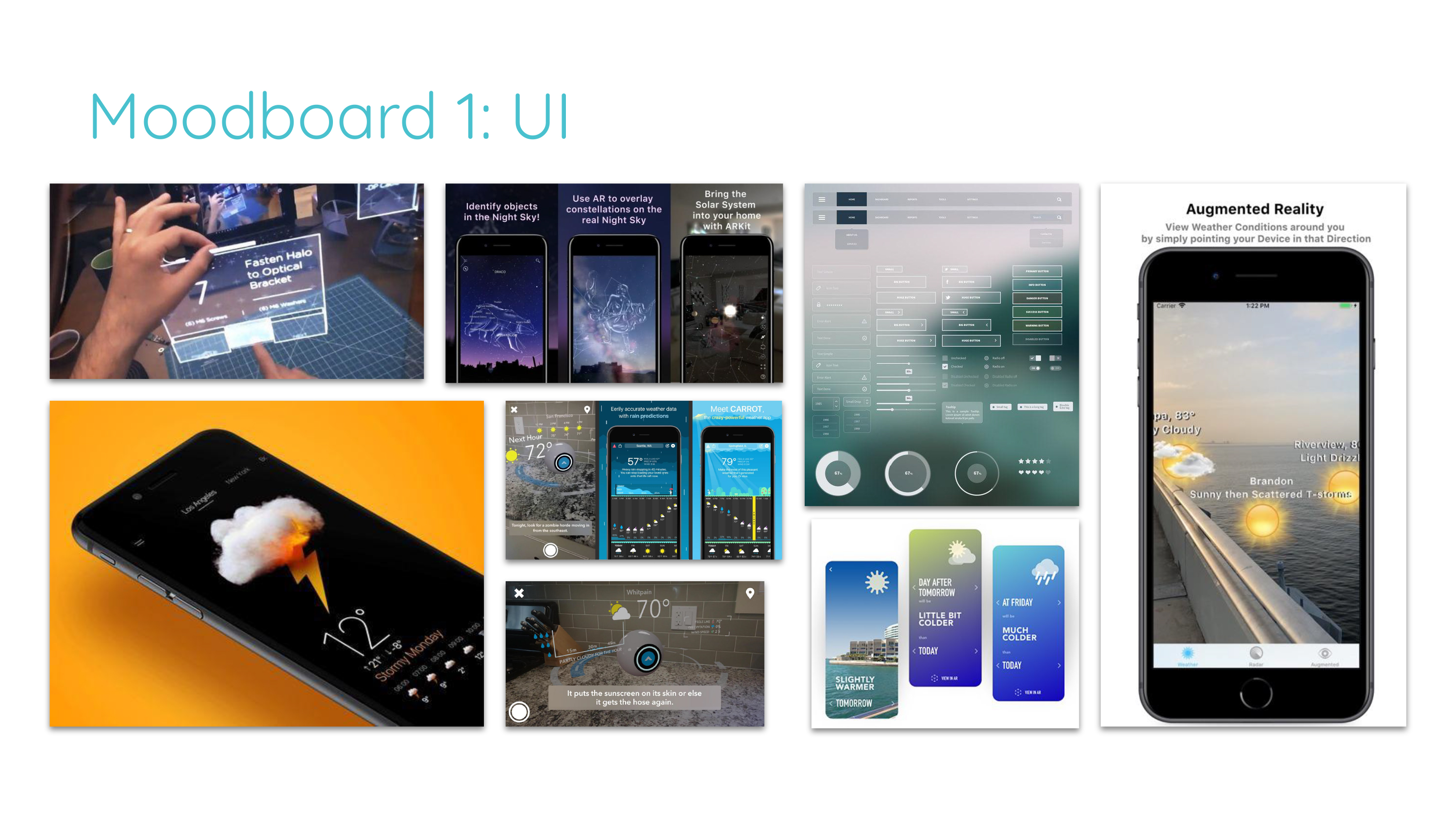
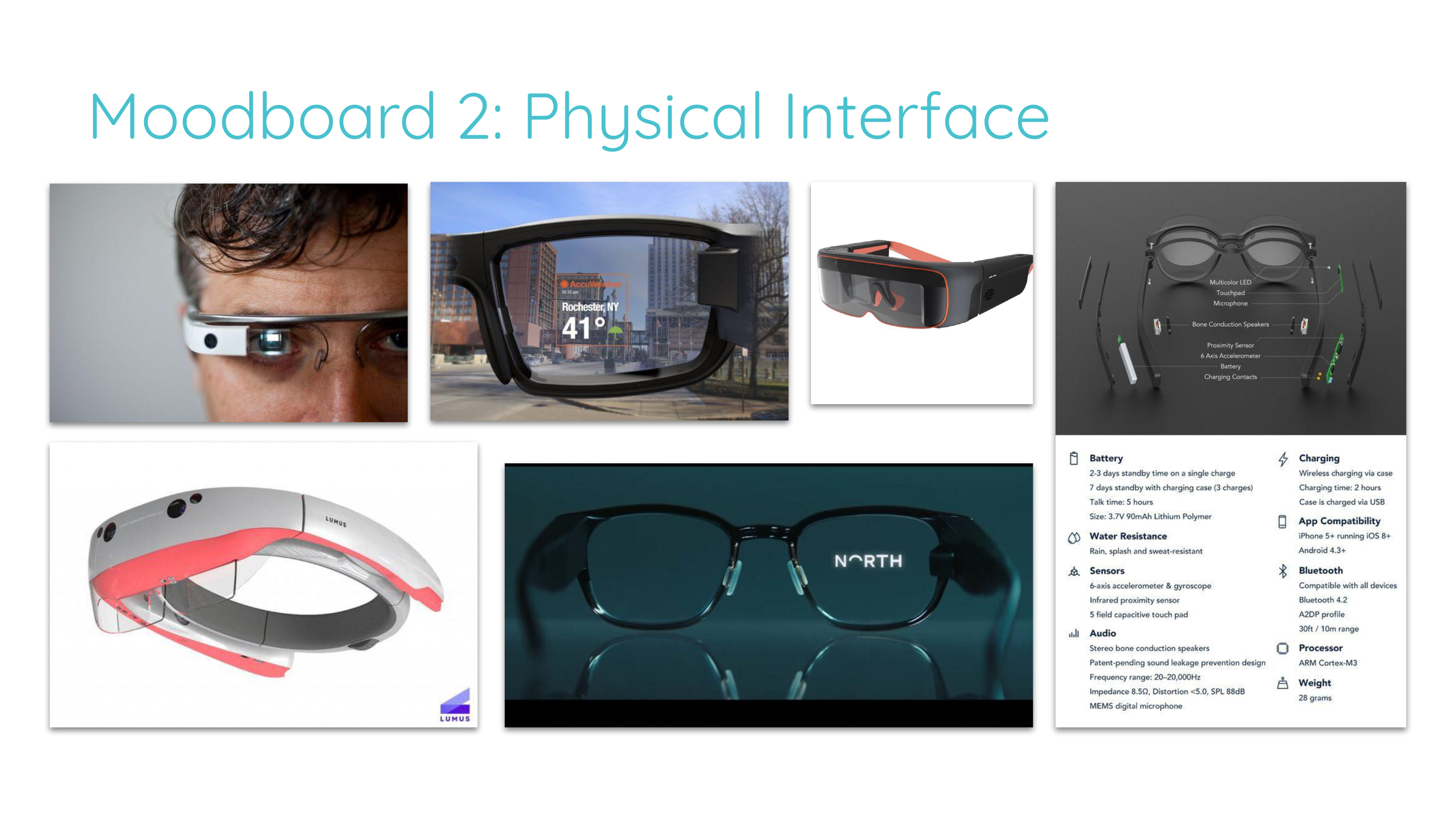
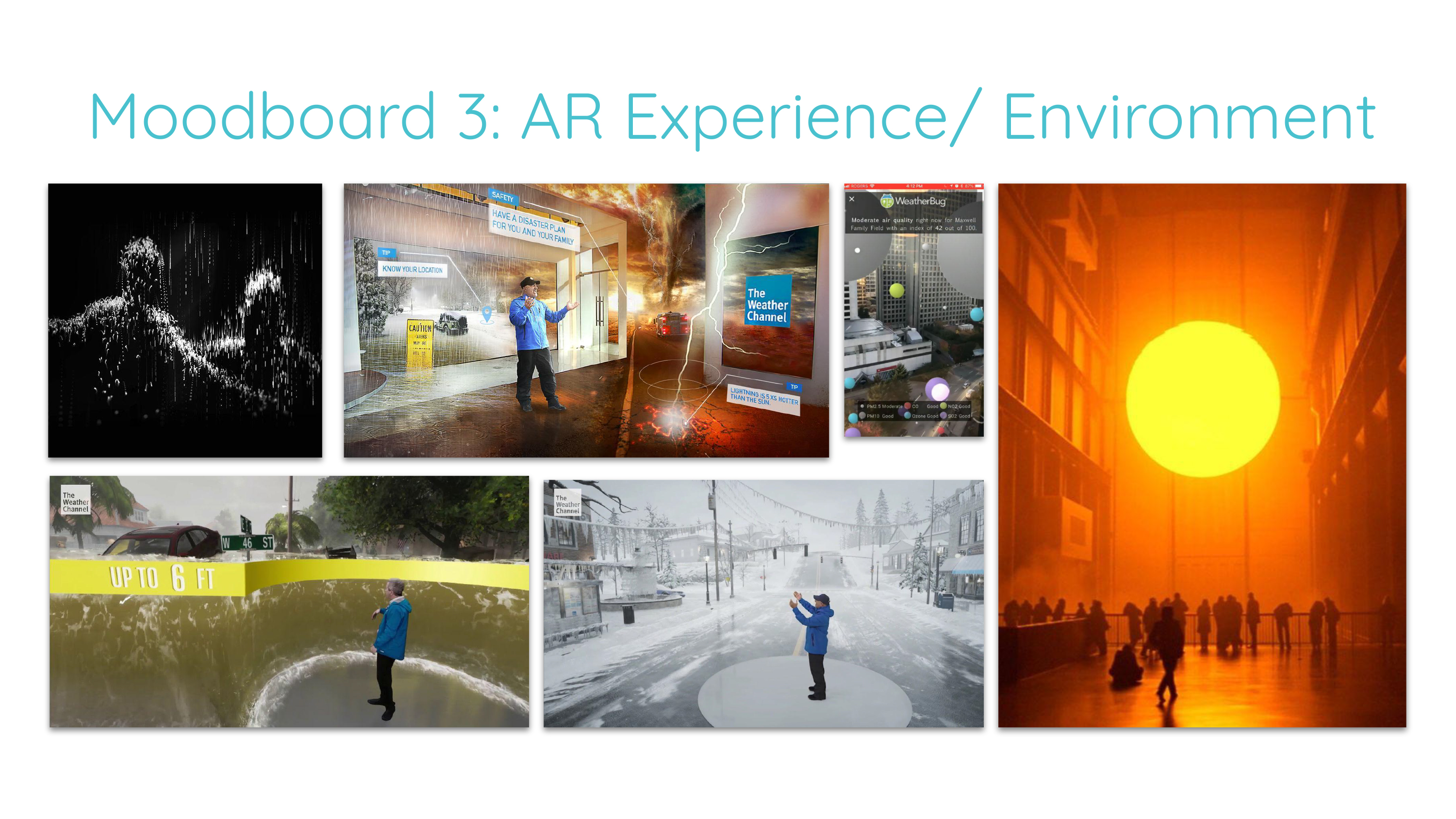
The moodboards show the preliminary ideas we had for the UI design, the physical design and the design of the simulations. Later we would expand on this inspiration and create the branding of our product.
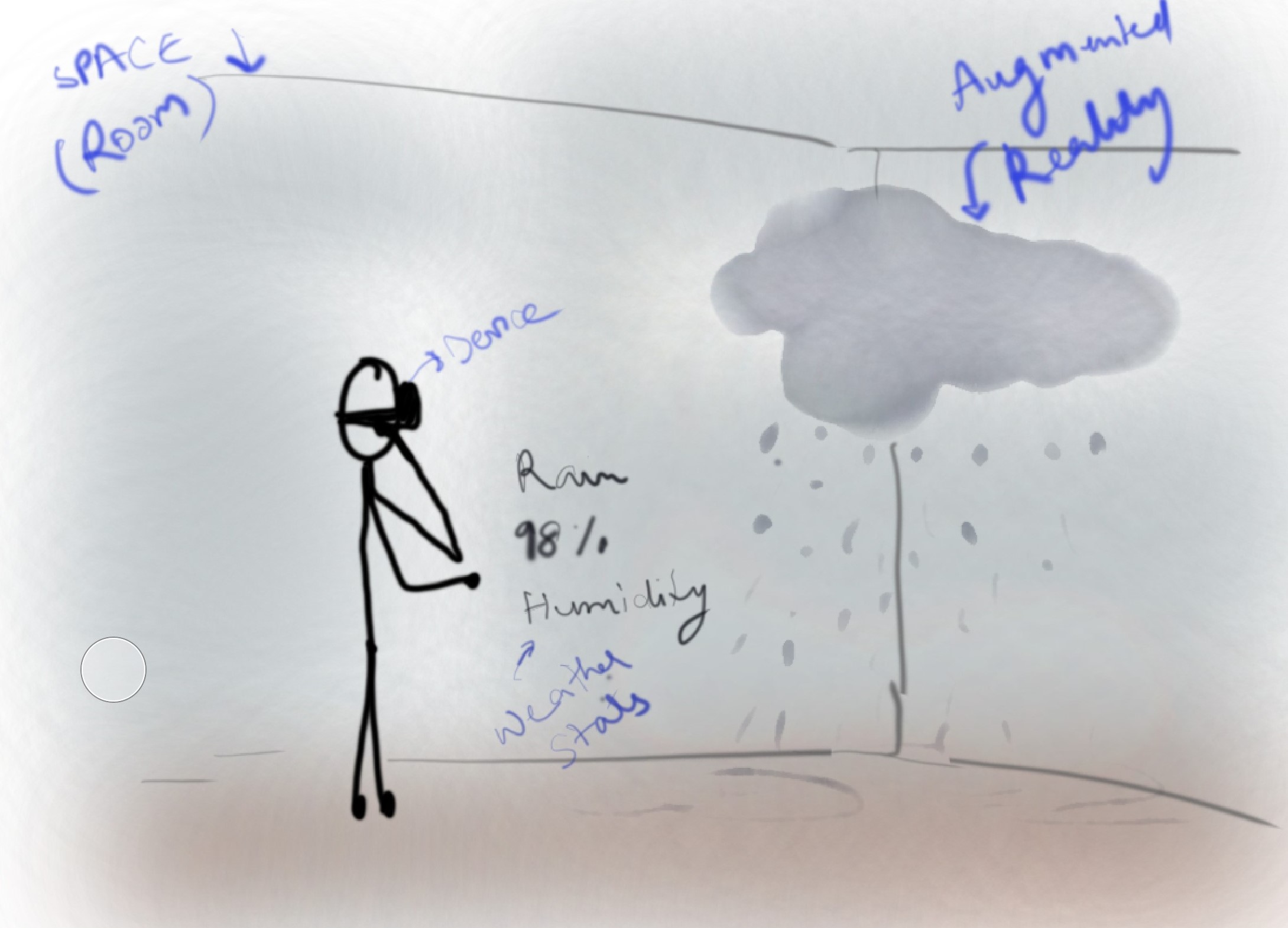
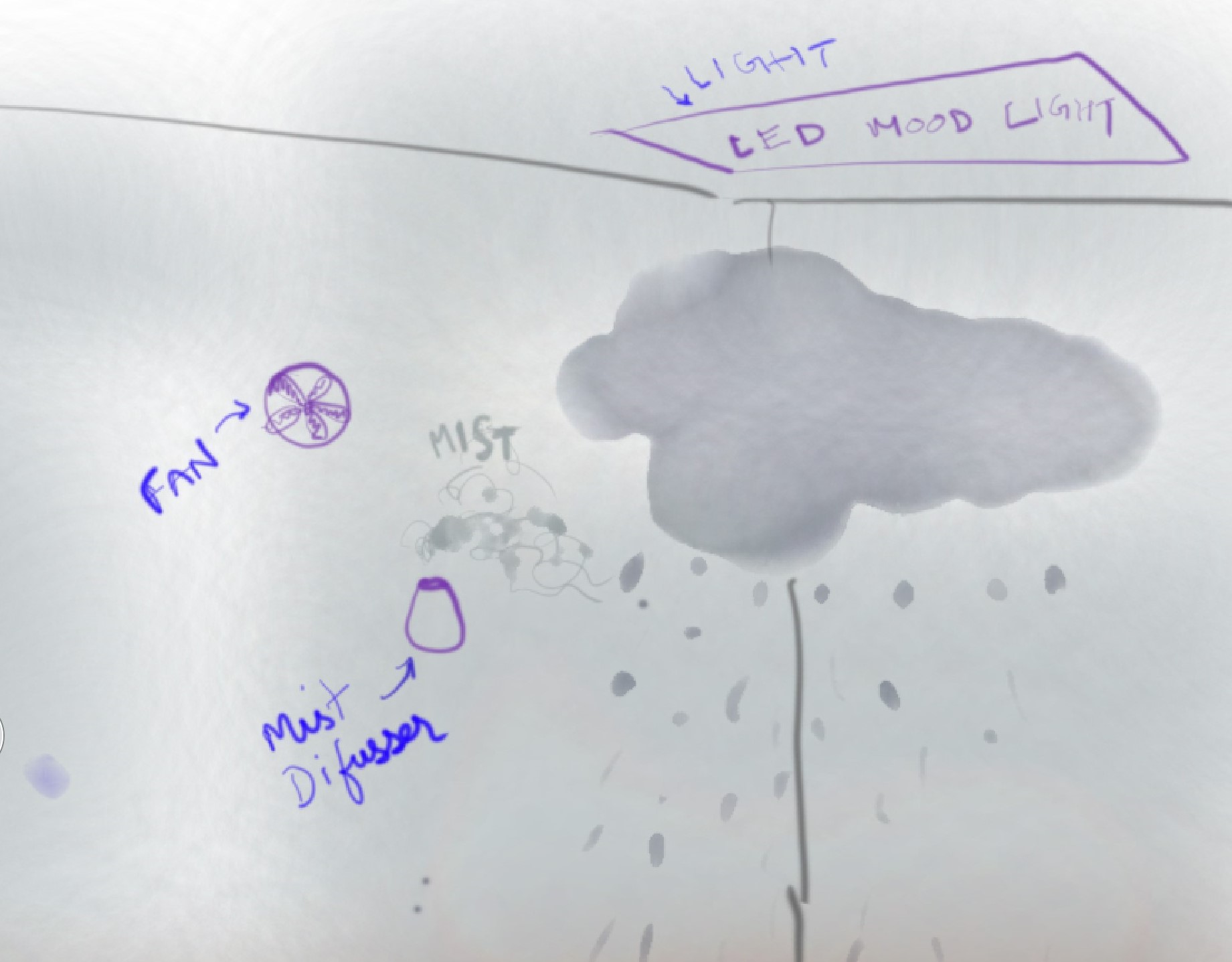
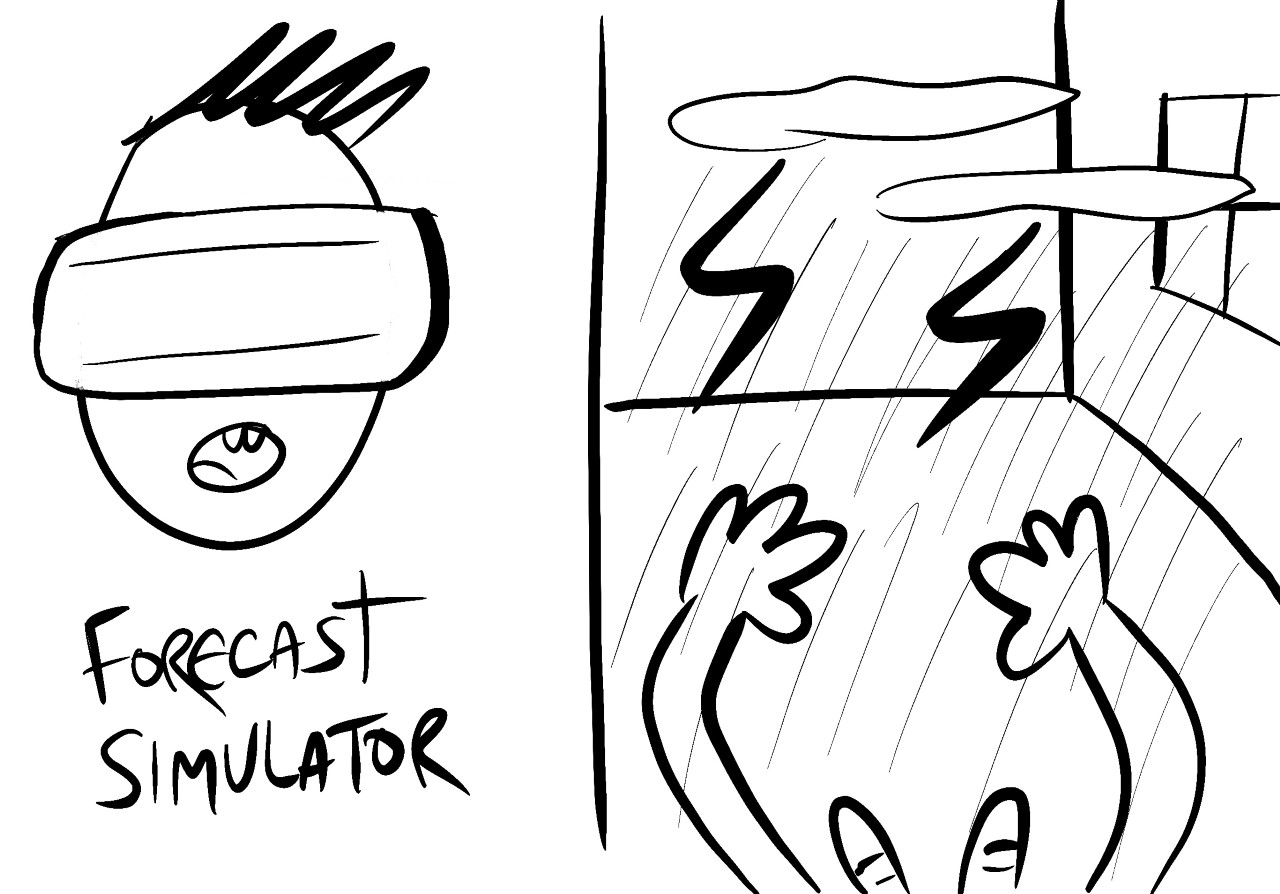
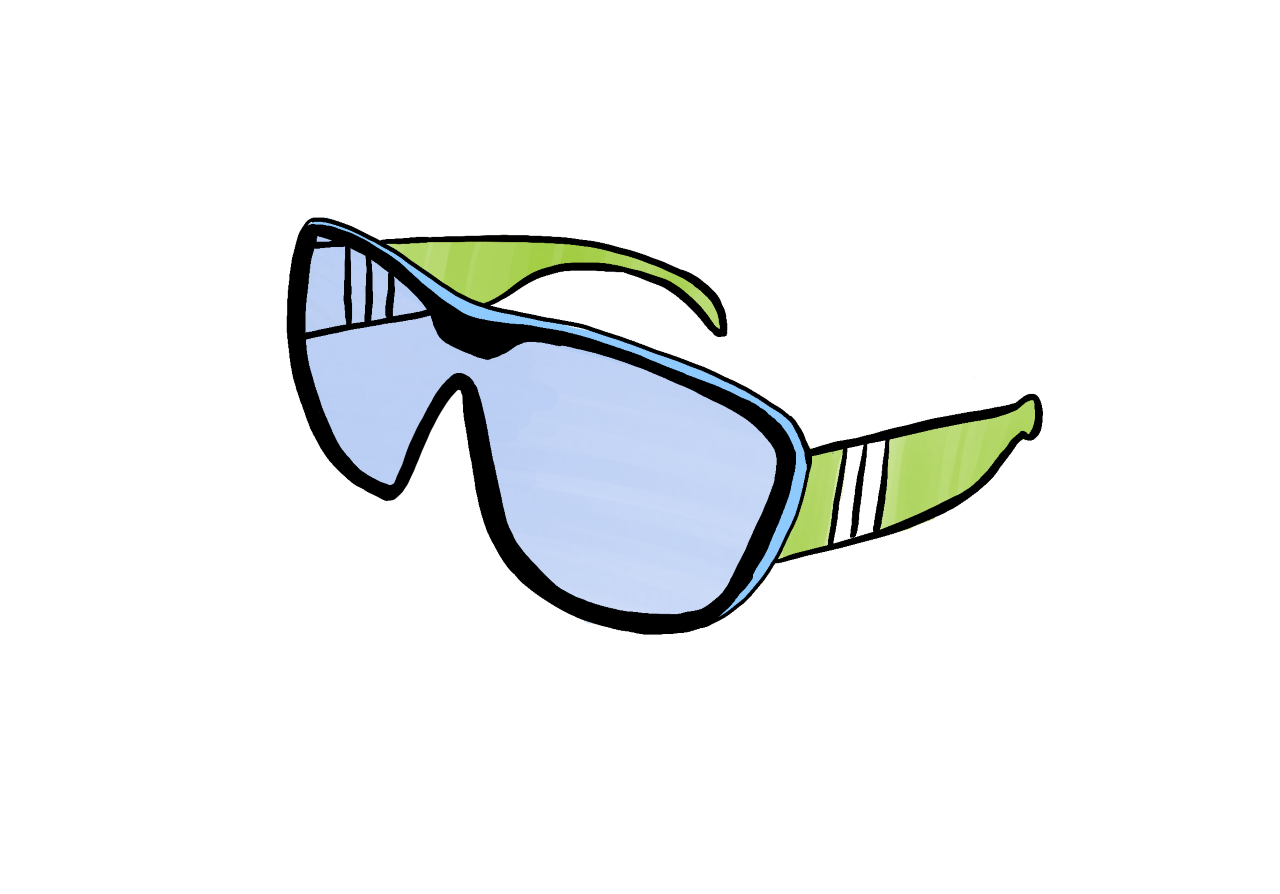
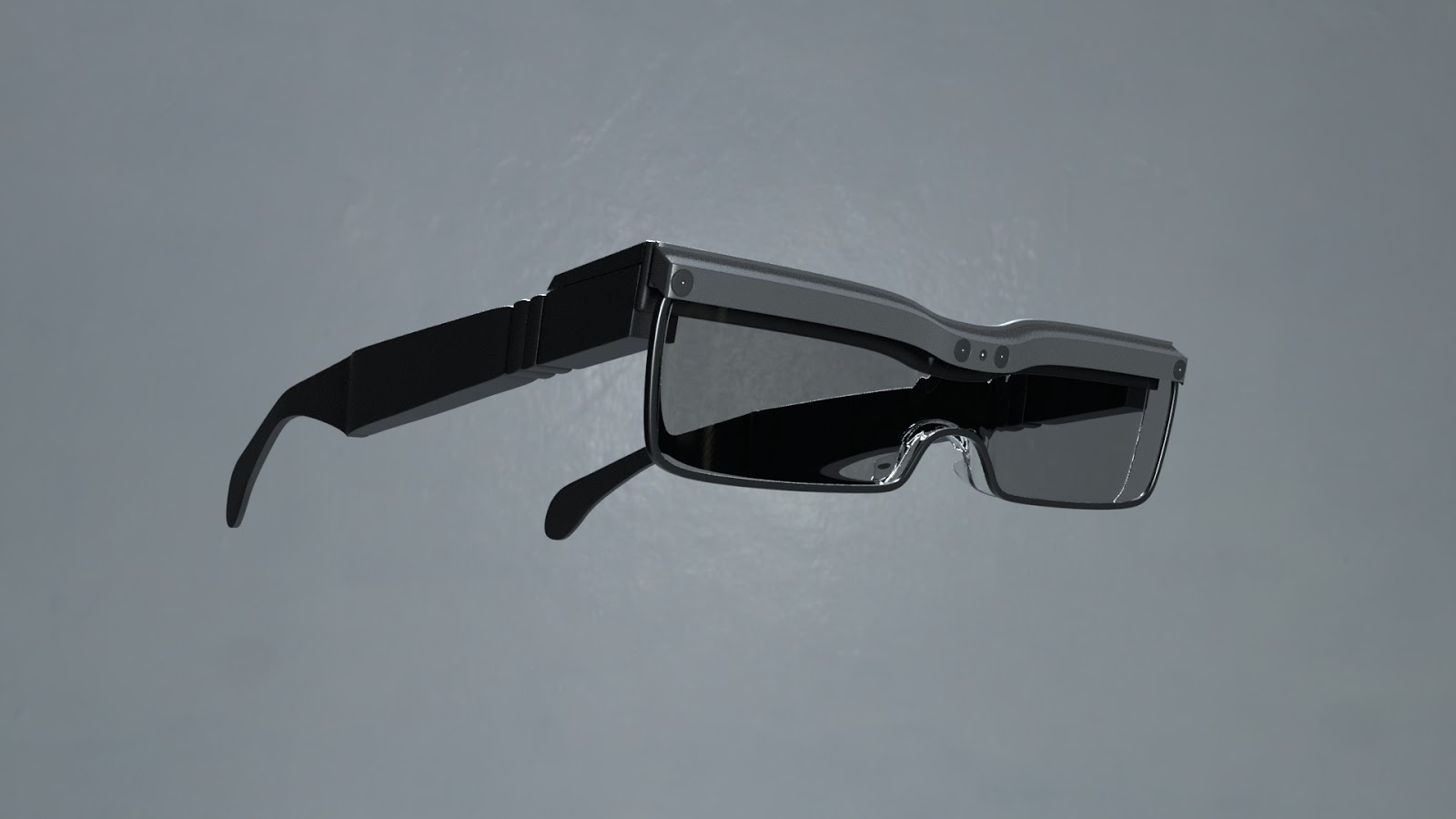
We came up with a few ideations about what the user would see while looking through the headset and what other products would be needed to make the product come to life! We determined the immersion would benefit from using items such as a fan or mist diffuser. We also visualized how the user would perceive their surroundings through the headset, and experimented with the physical design of the MR glasses.
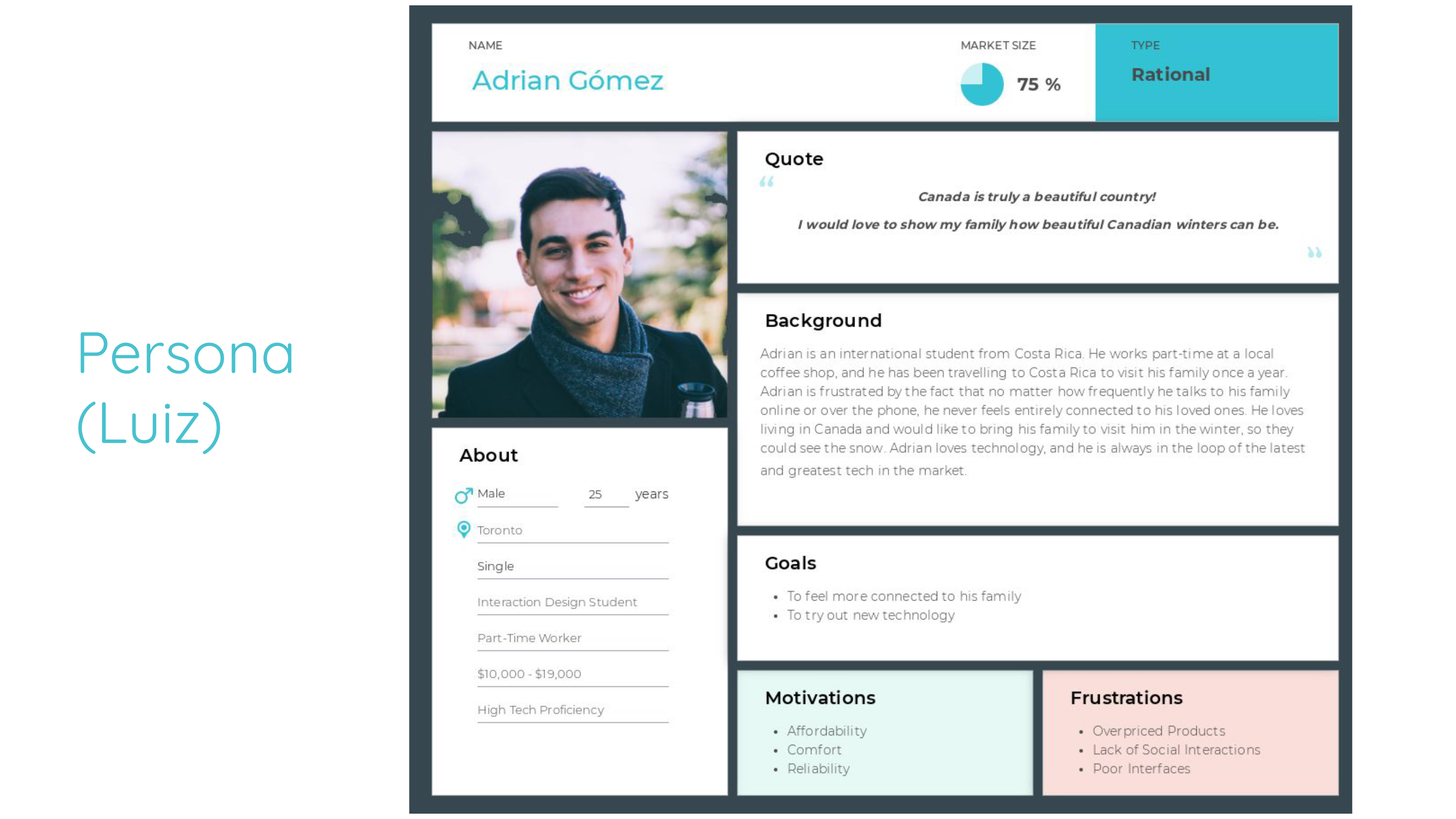
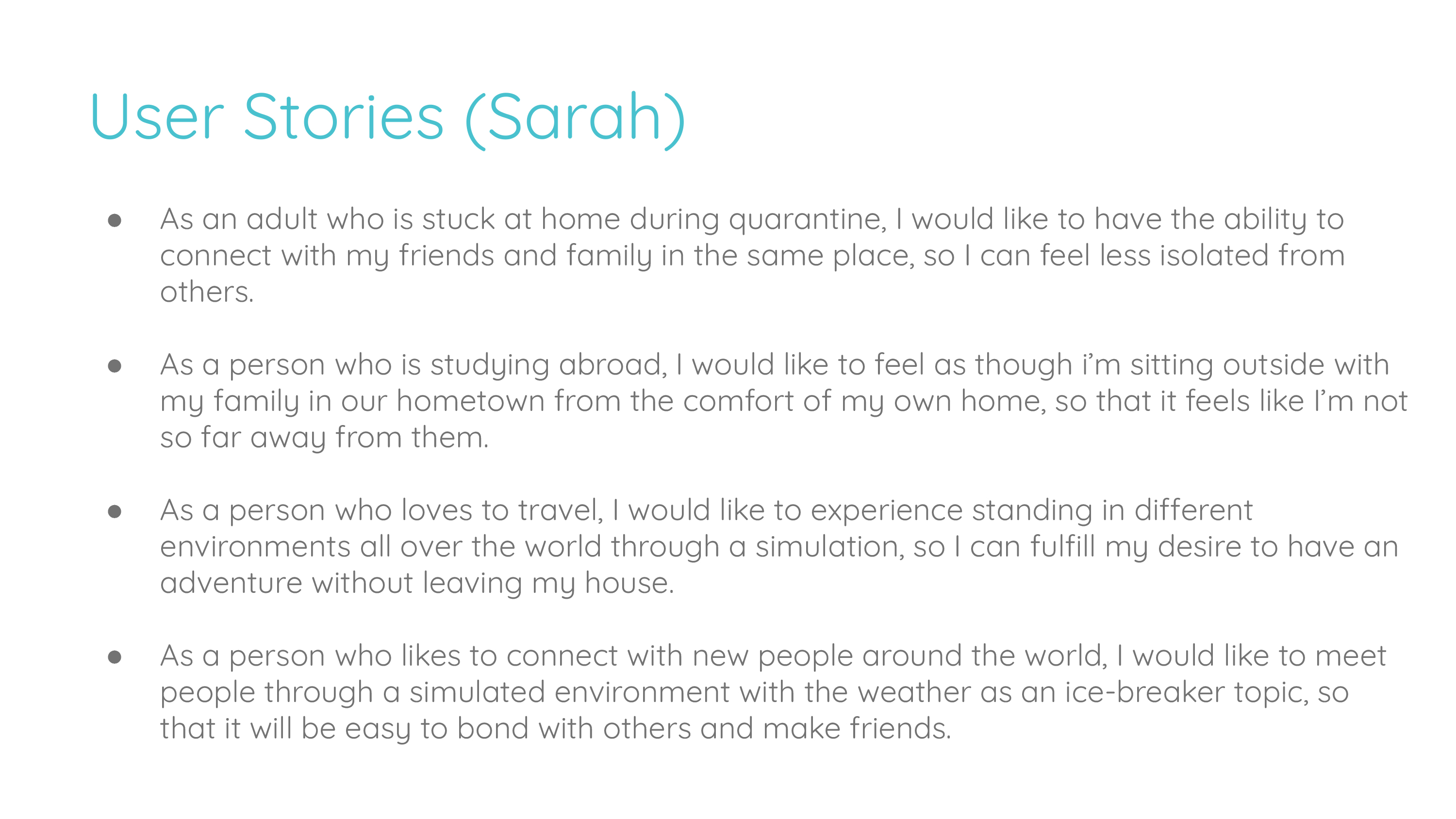
A potential user we had in mind was a man named Adrian. As an international student studying in Canada, he barely ever gets to travel home to be with his family in Costa Rica. Bridging the gap has been a struggle for him through normal means like texting or calling. With a product like Weather Window, he could really feel connected to them and spend time with them, as if he was back home. Likewise, his family could connect with his experience in Canada better as well.
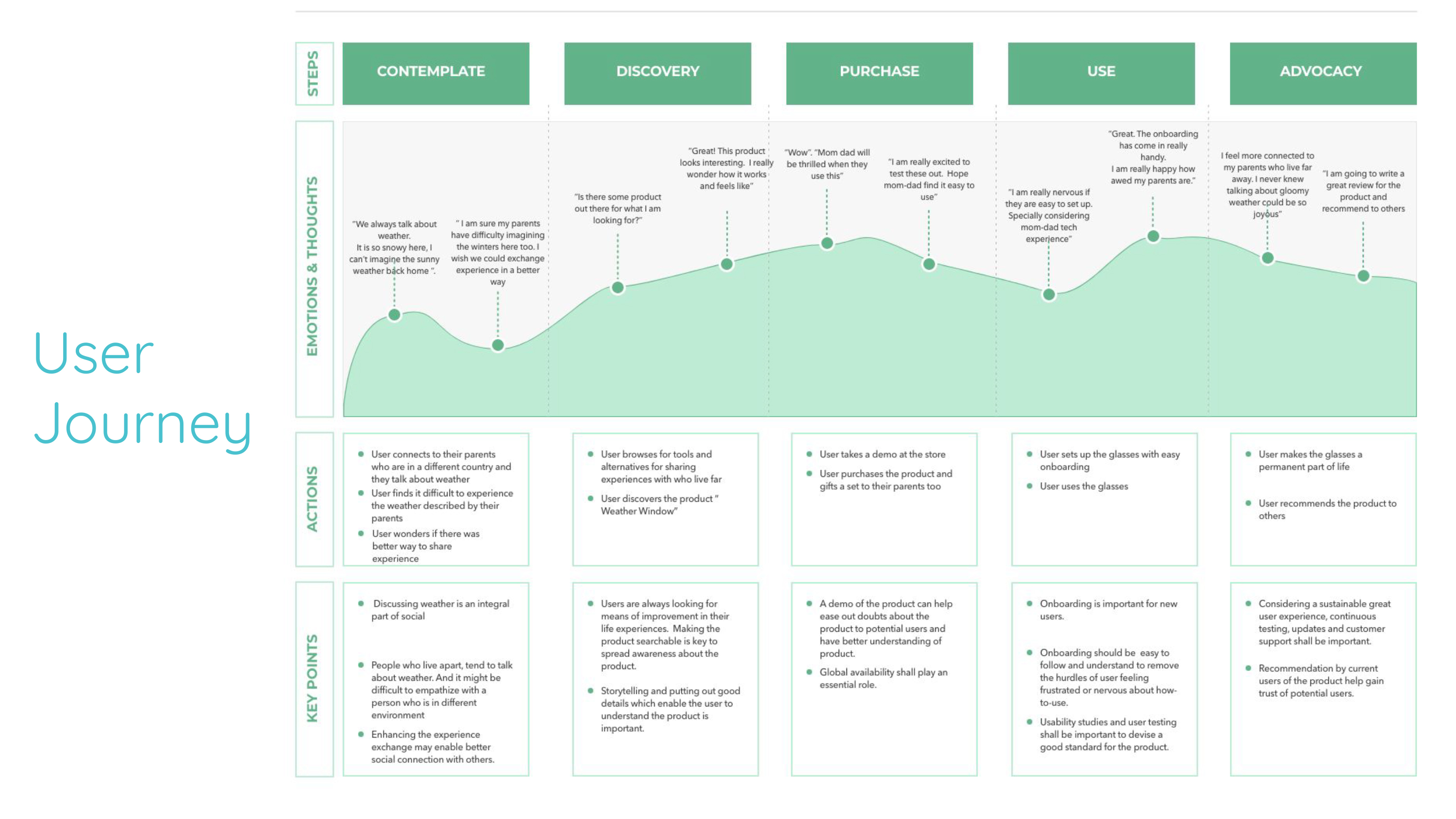
This takes us through Adrian's journey of wondering if there's a product out there that will help him connect better virtually with his loved ones, discovering Weather Window and being pleasantly surprised at how well it's working for him. He has some concerns about the complexity of the technology in regards to his older parents, who aren't as tech savvy as him. Thankfully, since the onboarding process is simple to understand, him and parents have no problems adopting the product into their everyday life
Regarding use cases, the main ones that came to mind are combating the isolation that covid-19 has brought upon people, mitigating homesickness, experiencing new environments, and meeting people around the world with the common ground of having the weather to discuss.
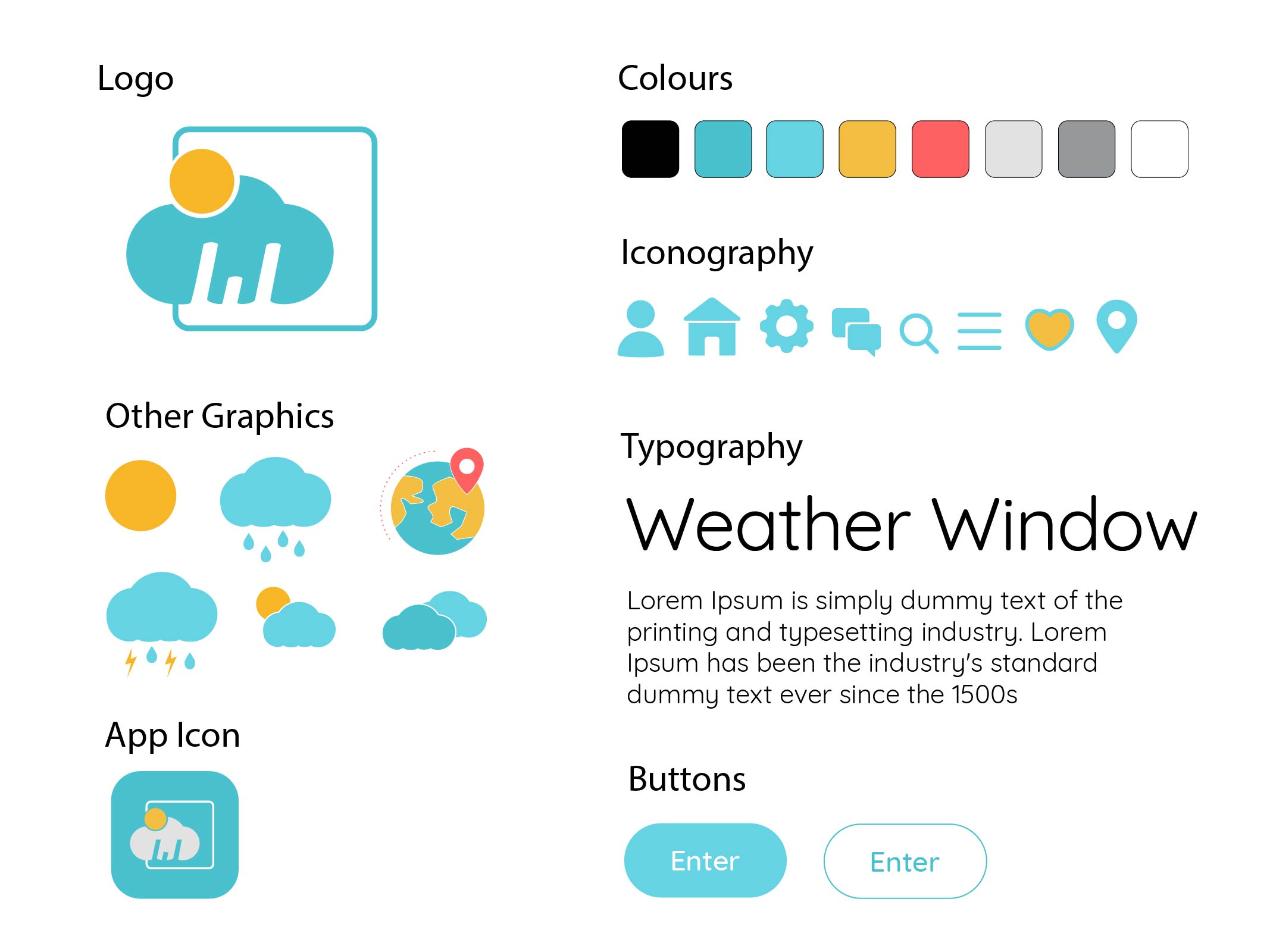
We went for a very rounded aesthetic when it came to the branding style, since we wanted the brand to signify friendliness and bubbliness. Most the graphics use simple, circular shapes. The typography followed suite, with rounded sans-serif text. For the logo, we decided to incorporate some symbolism, as the cloud has a "W" integrated in it (representing "Weather") using negative space. The rounded square is meant to represent a "Window" as well. Thus, "Weather Window". The colours were decided upon by looking through various weather themed applications, and we found that blue and yellow, which were natural colours present in the sky and sun, were very popular to use. We decided to use desaturated blues and yellows in the color palette to go for a calmer feeling.
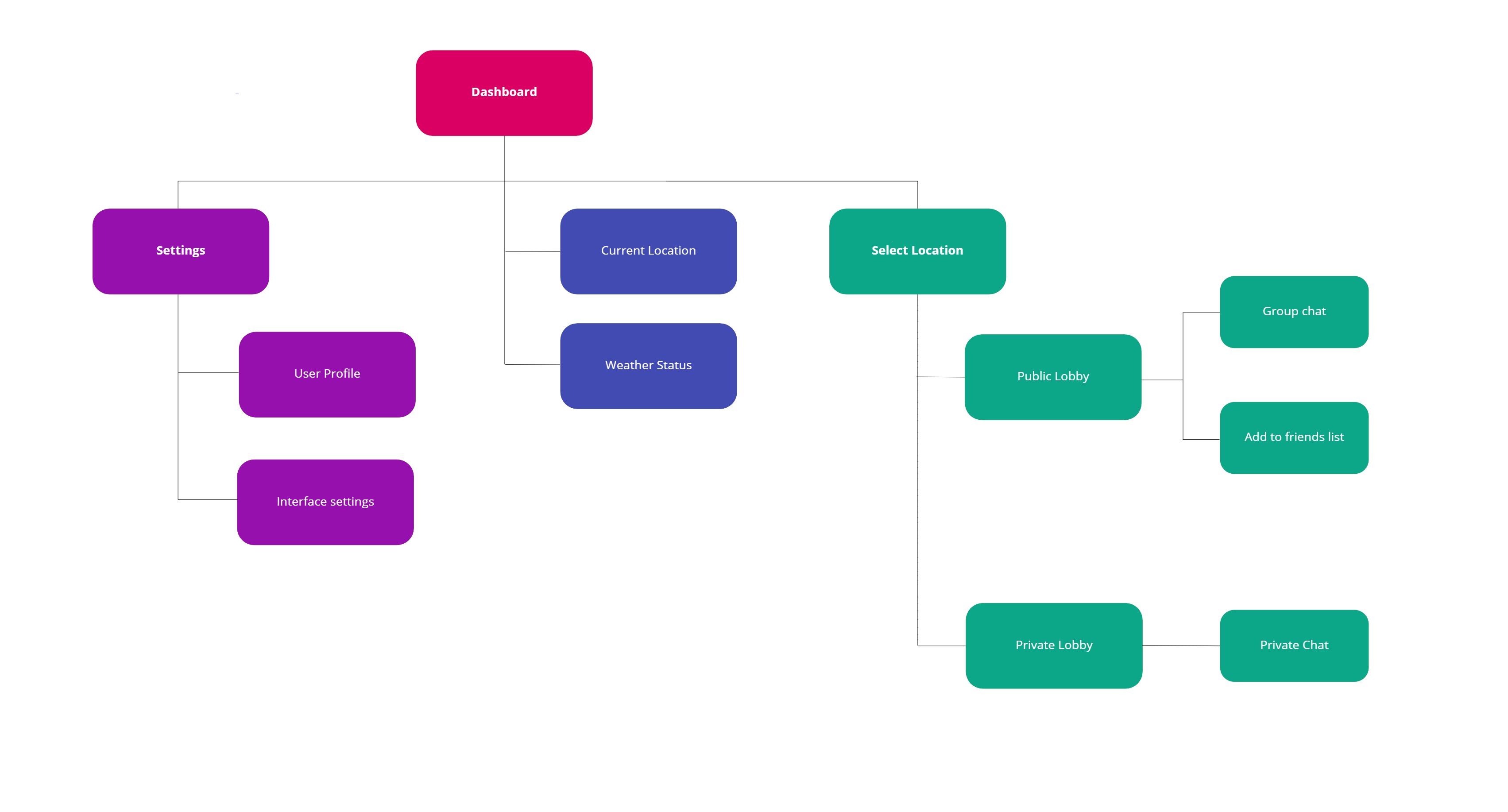
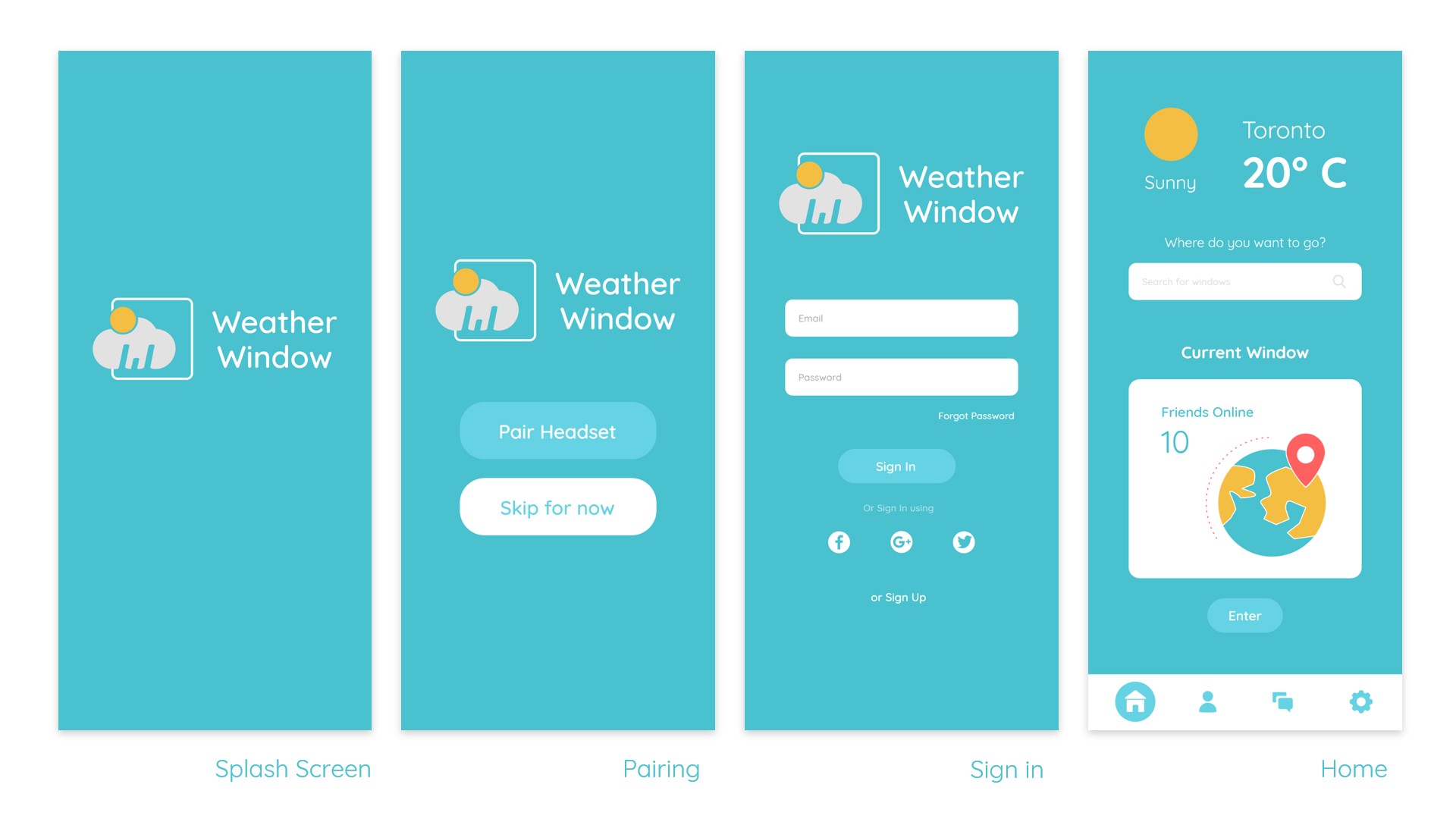
* Best viewing experience on desktop! Click images to enter focus mode, then hover to pan the wireframes. Click outside images to exit focus mode. On mobile, focus mode is not supported. You can pinch to zoom in on the image instead.
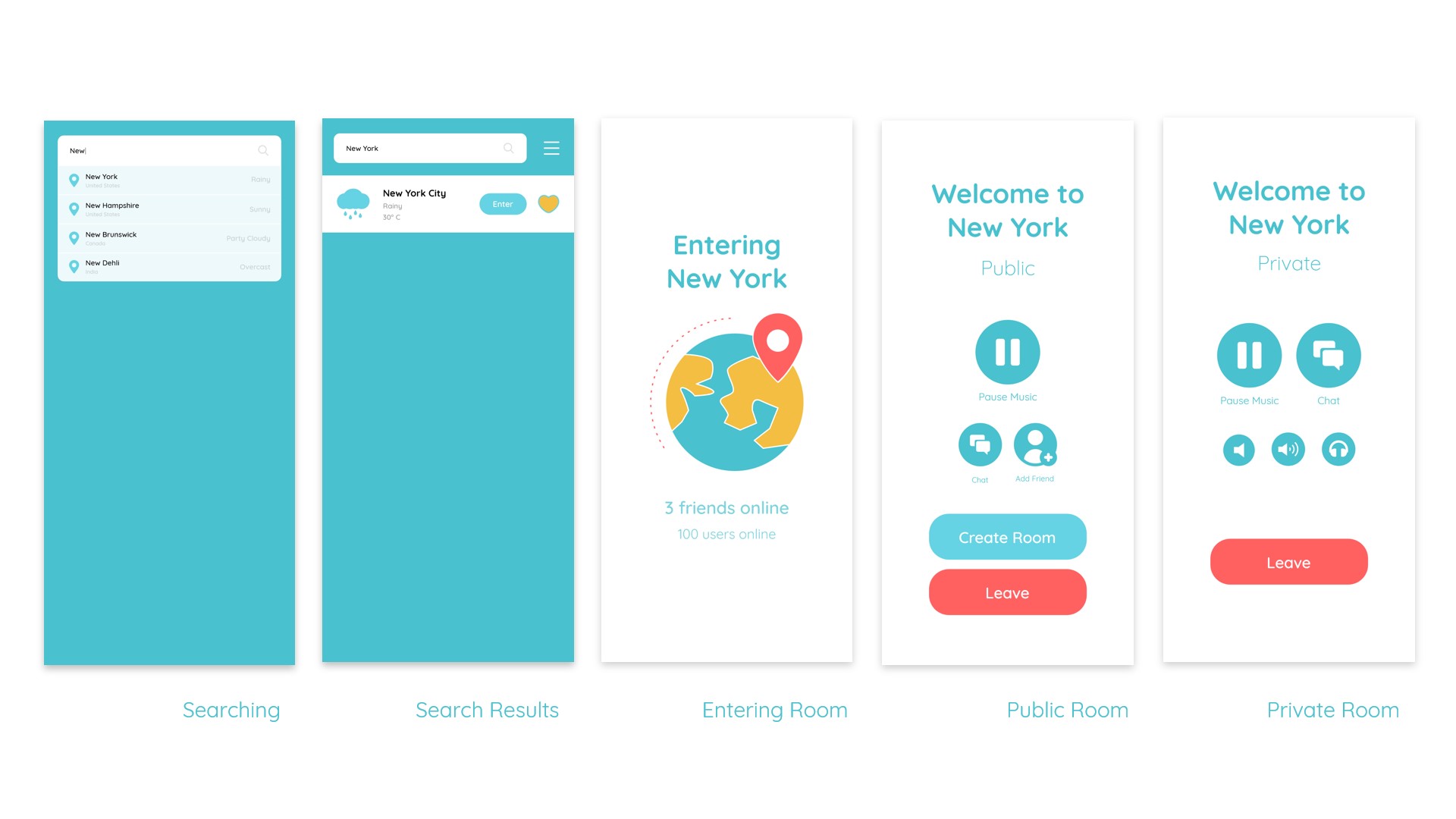
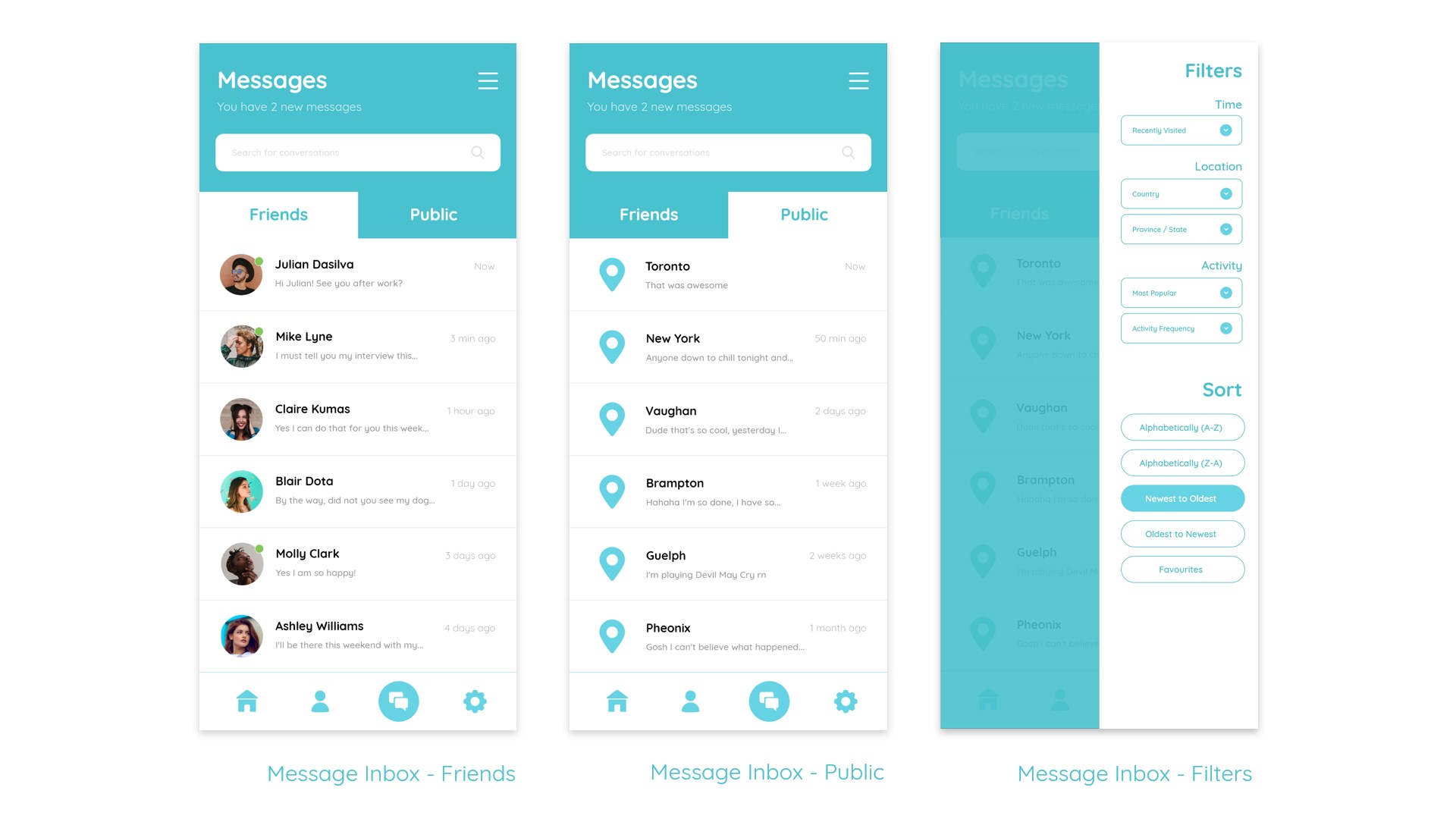
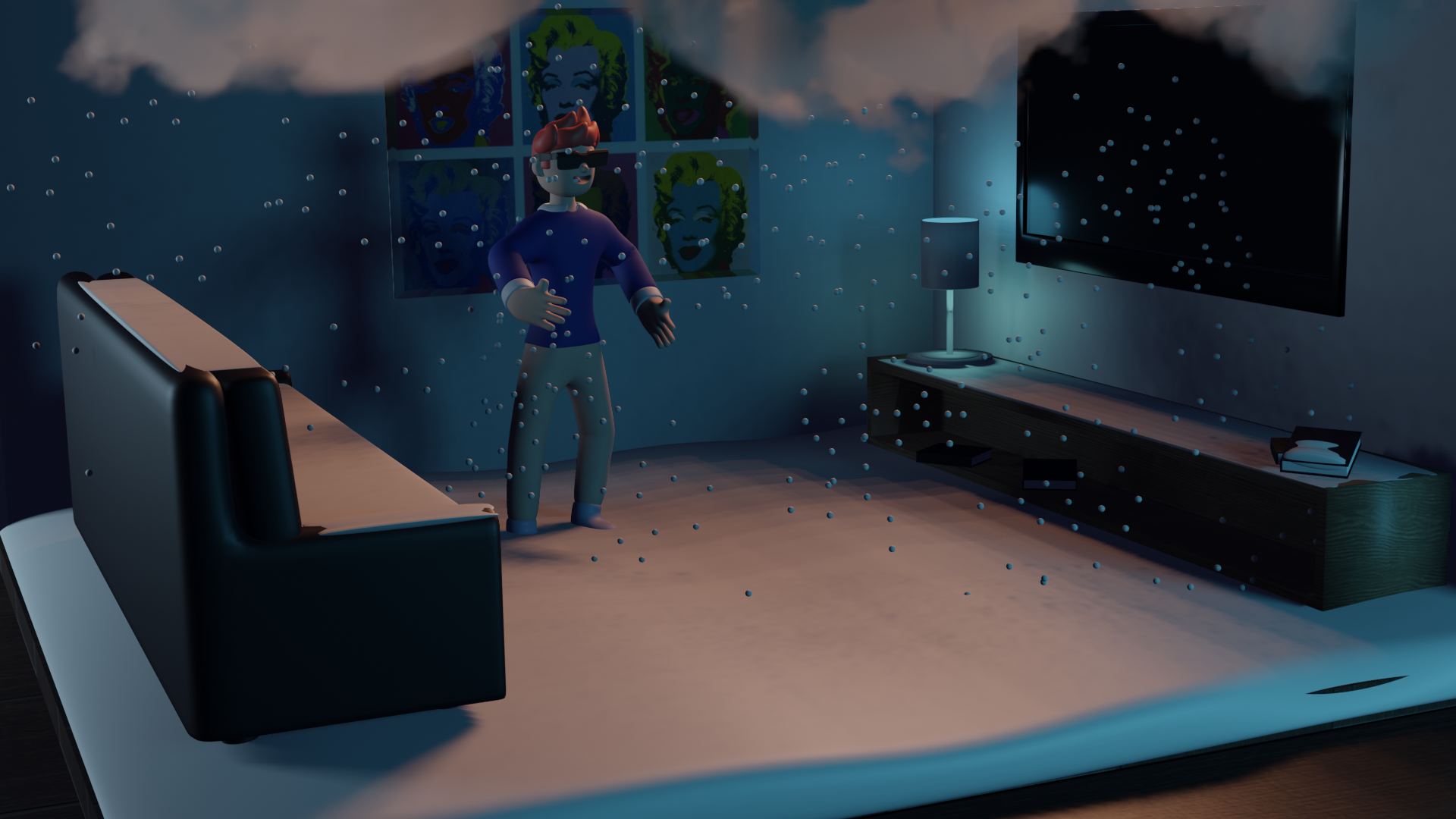
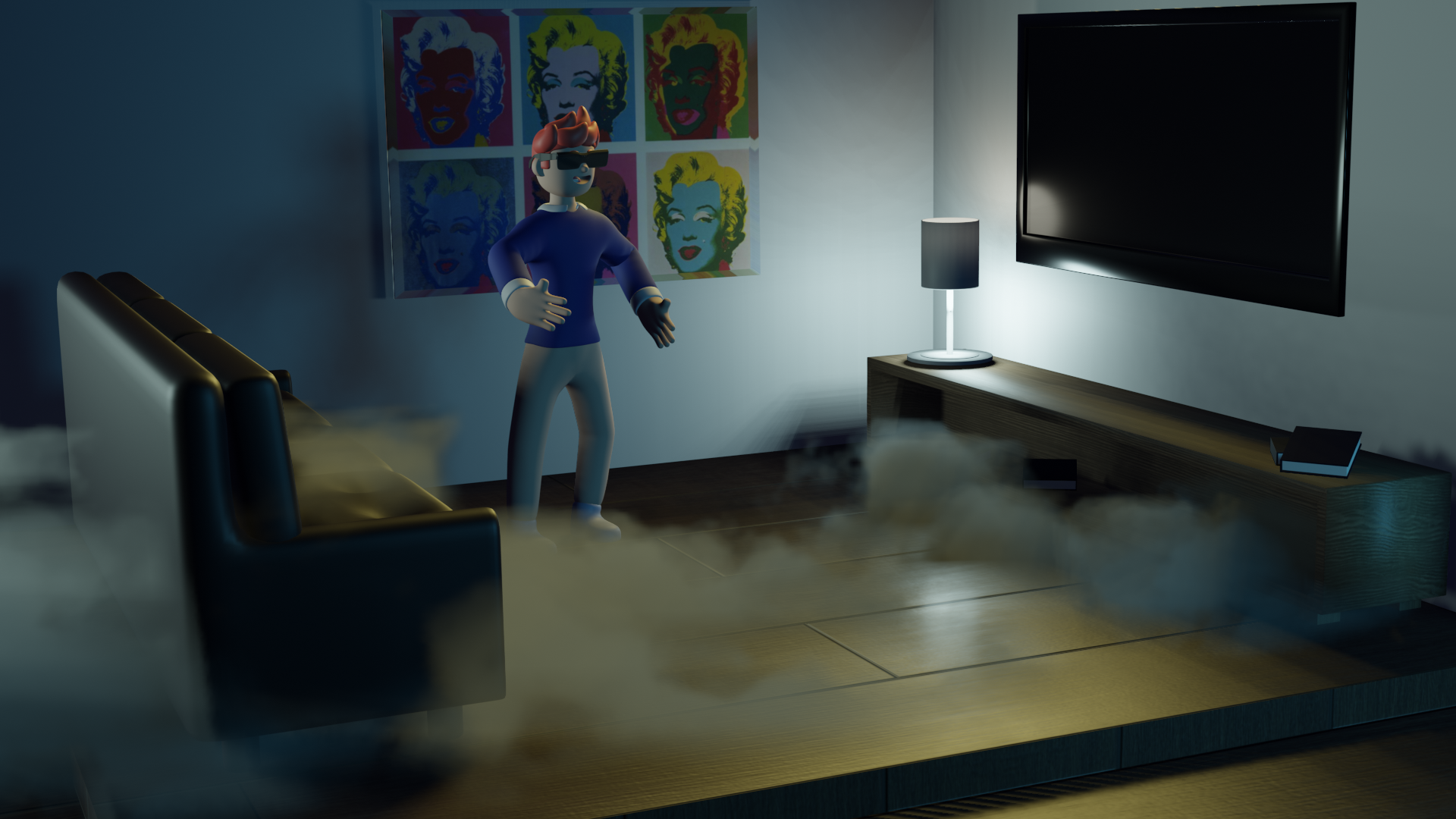
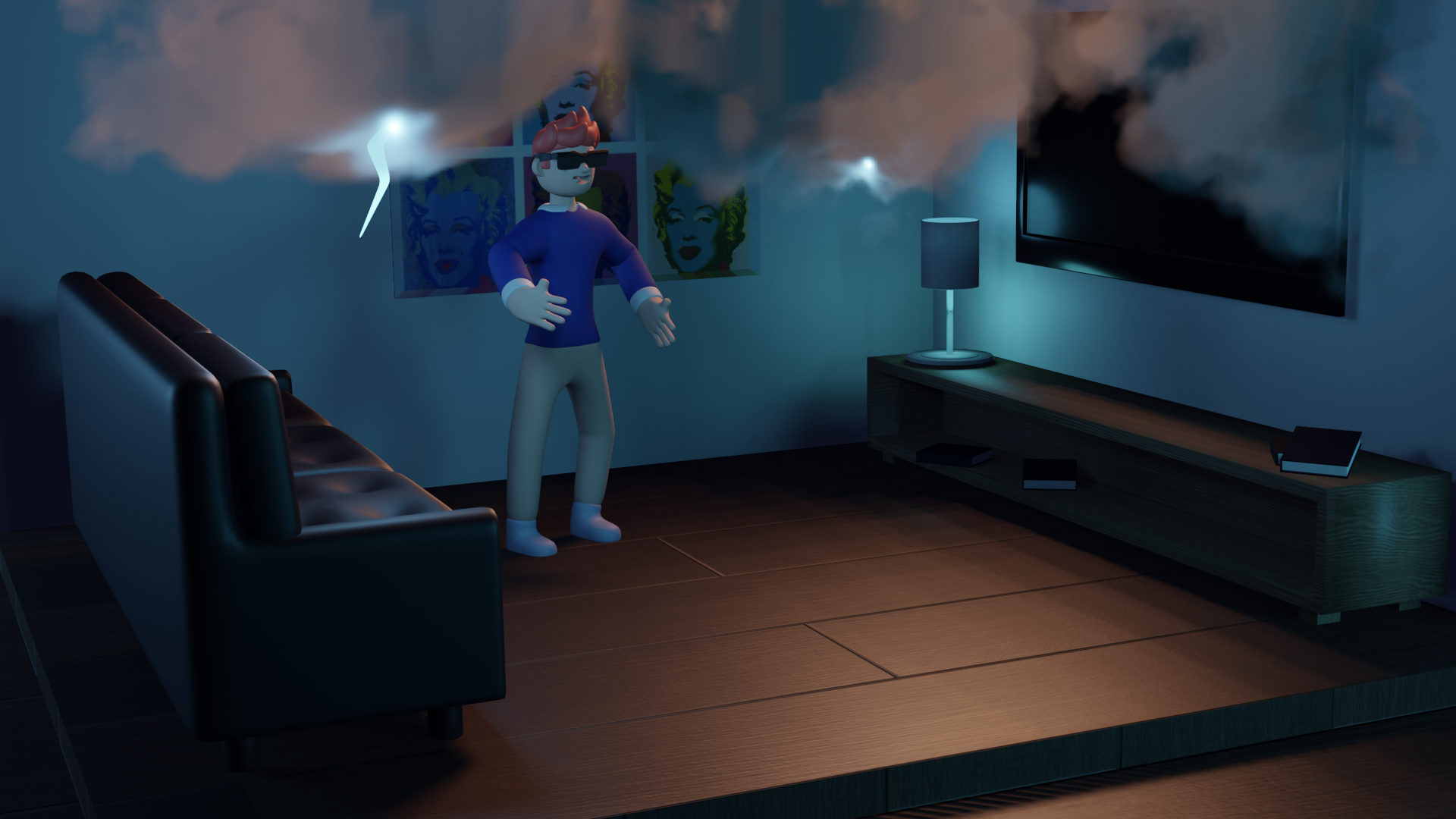
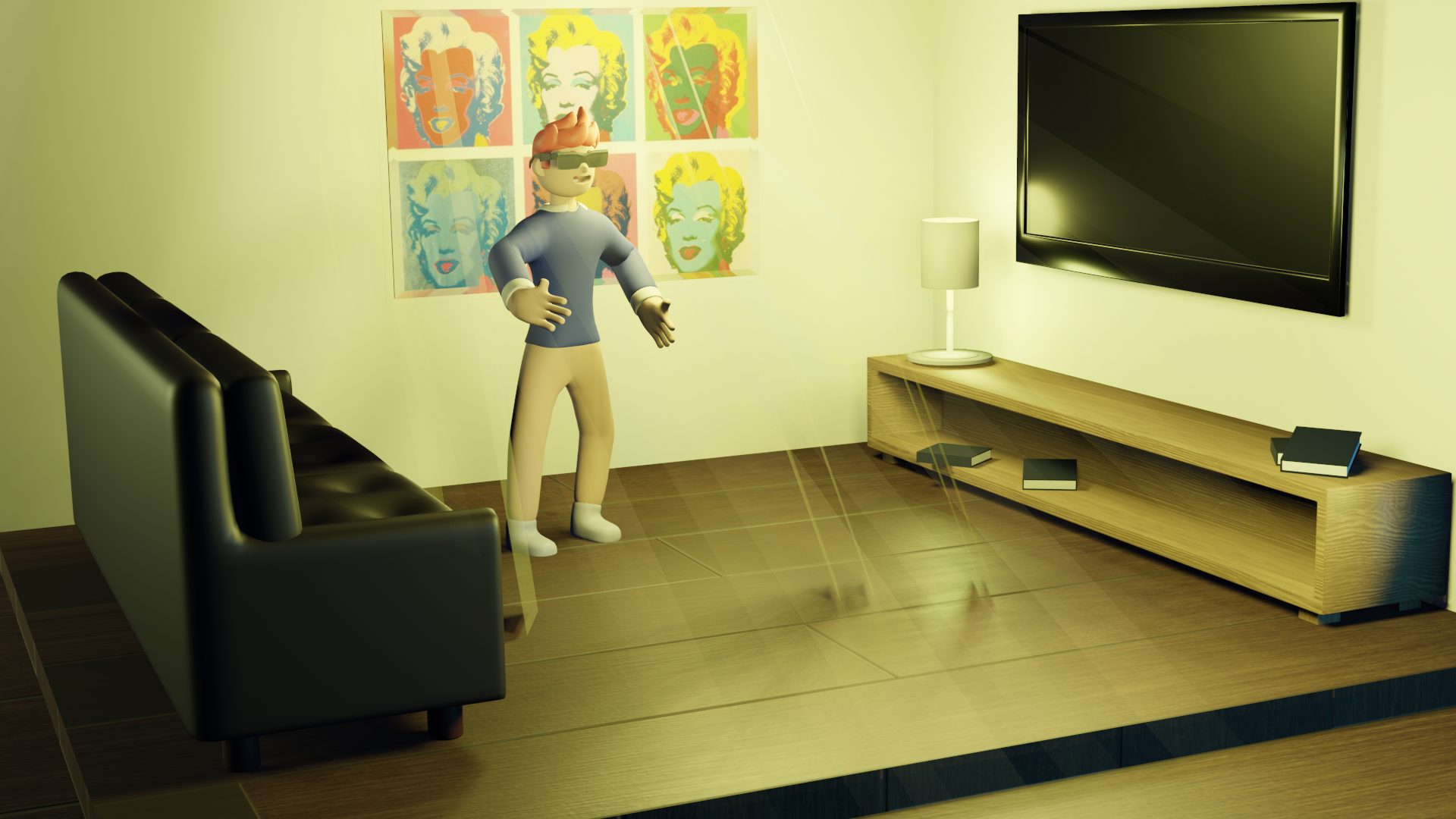
This is an advertisement I made for the product and it's purpose, using Adobe After Effects and Premiere Pro. It starts off with a skit of a potential user, facing an issue that our product can solve! It then showcases the Weather Window in use.
I'm planning to go back and add some more app screens to really flesh out that part of the concept and showcase its usefulness.